Quick Start
- Place SOUL after THE VOID V2, EverClean or another cleanup stage.
- Use it on post, playback or latency-tolerant paths; it is not intended for sensitive live monitoring.
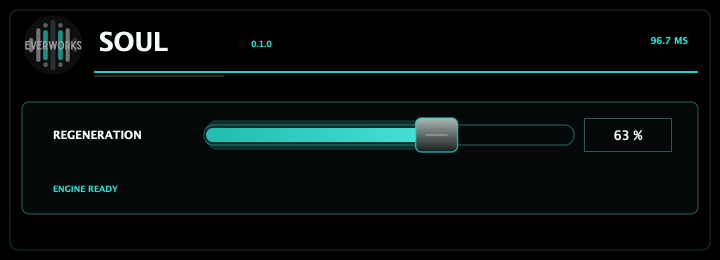
- Raise Regeneration only until the source regains body and stable detail.
- Compare against bypass often, because regeneration should feel natural rather than impressive for one second.
Main Controls
- Regeneration - blends the aligned reconstruction path into the source.
- Bypass - checks whether the restored source still feels honest.
- Latency - SOUL reports a latency-aligned reconstruction path.
- Output - match perceived loudness after adding regeneration.
Recommended Workflow
- Clean first, regenerate second.
- Use small amounts on spoken voice and larger amounts only on damaged or thin material.
- If consonants become glossy or detached, lower Regeneration.
- Render or monitor with latency compensation enabled.